 Day One Fixes
SolvedHow-toUpdated 2025-10-01
Dreadmyst – Chat Commands
Short answer
Commands are worked:
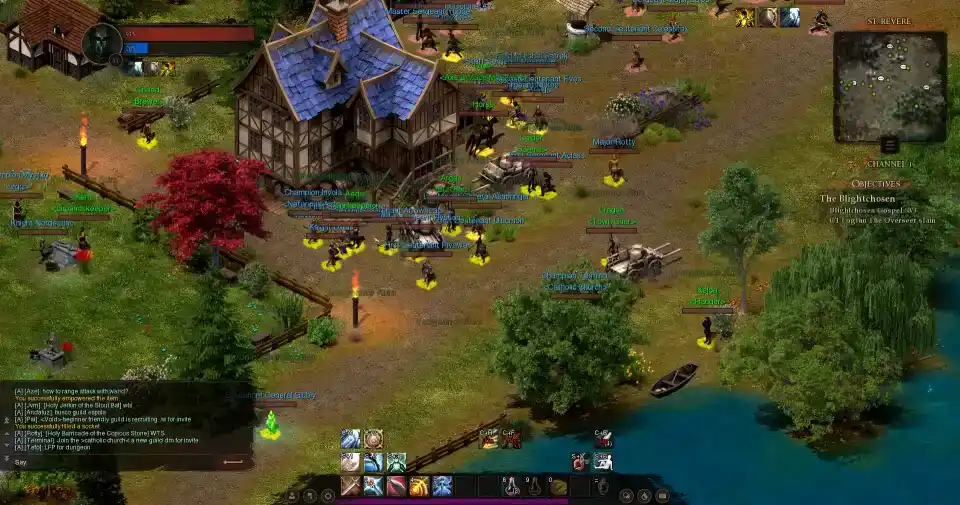
Commands are worked:
Chat Commands
/help – Gives you the list of chat commands
/gay – Gives you the list of chat commands (supposedly suppose to make chat a rainbow)
/say – Say chat
/yell – Yell chat
/whisper [name] – Whisper chat
/ignore [name] – Ignore player
/unignore [name] – Unignore player
/guild – Guild chat
/party – Party chat
/all – Global chat
/roll – Rolls a random number to party
/invite [name] – Invite player to party
/duel – Challenge targeted player to a duel
/yield – Forfeit or decline duel
/gcreate [name] – Create a guild
/gdisband – Disband guild
/ginvite [name] – Guild invite player
/gkick [name] – Guild kick player
/gquit – Leave guild
/pvp – Makes you hostile to players in PvP zones