 Day One Fixes
SolvedFixUpdated 2025-10-01
Far Far West – How to Fix Mouse Delay and Aiming Input Lag
Short answer
It can be incredibly frustrating when you are trying to line up a perfect shot in Far Far West, only to feel a slight delay or “floaty” sensation in your mouse movements. In fast-paced games, a few milliseconds of delay can completely ruin your timing and immersion.
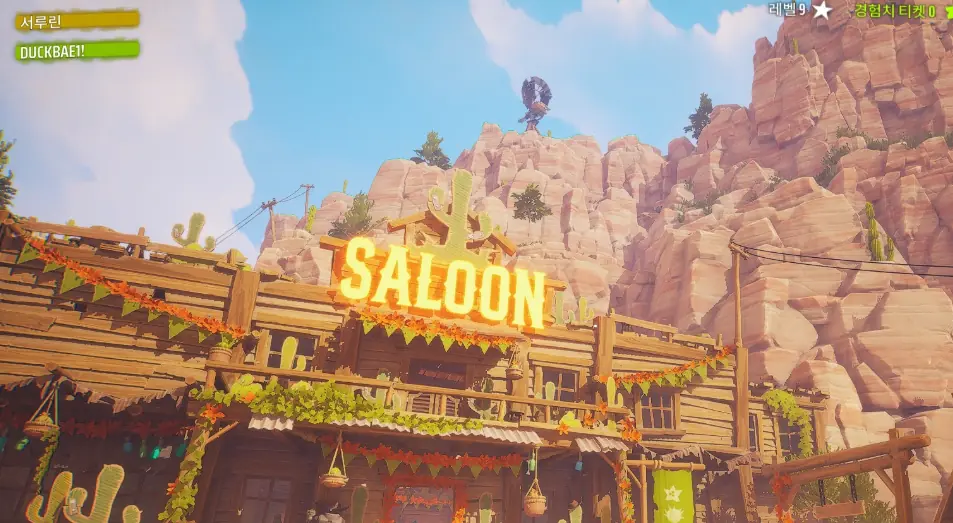
It can be incredibly frustrating when you are trying to line up a perfect shot in Far Far West, only to feel a slight delay or “floaty” sensation in your mouse movements. In fast-paced games, a few milliseconds of delay can completely ruin your timing and immersion.
If your aim doesn’t feel smooth and you are experiencing a noticeable delay between moving your mouse and seeing the action on screen, you are dealing with input lag. Based on community troubleshooting and optimal PC settings, here is a comprehensive guide to fixing mouse delay in Far Far West.
Quick In-Game Fixes (Community Solutions)
Before diving into hardware settings, check your in-game video options. The Far Far West community has identified a few specific graphics settings that tend to trigger aiming issues.
- Disable FSR (FidelityFX Super Resolution): Several players have reported that having AMD’s FSR enabled directly causes aiming to feel sluggish or delayed. Try turning this off first.
- Disable Frame Generation: If you are using third-party frame generation tools like Lossless Scaling, these can introduce artificial input latency. Turn them off to see if your raw mouse input improves.
- Turn off V-Sync: V-Sync is designed to prevent screen tearing, but it forces the game engine to synchronize with your monitor. This process is one of the most common causes of input lag. Disable it in the game’s video settings.
Advanced PC and Display Configurations
If the in-game settings didn’t solve the problem, the delay might be stemming from your hardware configuration or how your PC communicates with your monitor.
Common Latency Culprits and Solutions
| Component | Potential Issue | Recommended Fix |
|---|---|---|
| V-Sync | Traditional V-Sync synchronizes frames but adds heavy delay. | Disable V-Sync. Use Adaptive Sync (FreeSync/G-Sync) through your monitor instead. |
| Display Type | Smart TVs add AV processing effects (noise reduction) which creates lag. | Switch your TV’s display setting to “Game Mode” to bypass video processing. |
| Connection | Wireless displays or heavily congested wireless mice can drop signals. | Use a direct, wired connection for both your monitor and your mouse/controller. |
Optimize Your Frame Rate (FPS)
The speed at which your CPU processes input commands versus how fast your monitor displays them plays a huge role in aiming smoothness. You can manipulate your FPS to force a more responsive feel. Try one of these two approaches:
- Cap the Frame Rate: Try limiting your game’s maximum frame rate to just one frame under your display’s refresh rate. For example, if you play on a 60Hz monitor, lock your game to 59 FPS.
- Uncap the Frame Rate: Pushing the game to render at a much higher frame rate than your monitor can display (e.g., 120+ FPS on a 60Hz monitor) forces the engine to process your inputs faster, shaving off valuable milliseconds of delay.
Check Your Hardware Built-in Latency
It is important to remember that every monitor and TV has a unique, hardware-defined input latency built into the screen itself.
Do not confuse Response Time (how fast pixels change color) with Input Latency (how long it takes the screen to process incoming data). Modern gaming monitors usually have an input latency of 10 to 15 milliseconds. If you are playing on an older monitor or a standard living room television, anything above 50 milliseconds will make aiming in Far Far West feel inherently heavy, regardless of your in-game settings.