 Day One Fixes
SolvedHow-toUpdated
Rust: Must-have Extra Bind
Short answer
I'm collecting some Must Have Console Command that every Rust player needs to know. If you know more, let me know in the comments. https://napoii.github.io/Rust-Collection/
Steam Community guide by Napo_II.
Open the Console ( F1 )
Just press F1 to open the console and copy and paste the commands.
Rust-Collection[www.rust-collection.eu] ** Rust-Collection[www.rust-collection.eu] ** Rust-Collection[www.rust-collection.eu] **




Extra Binds
- ** 1. Autorun -**
Press Y and you Run without pressing W bind Y "forward;sprint" - ** 2. Auto Bandage Craft -**
press C and you make yourself some bandages in a fightt bind C "craft.add -2072273936 1" - ** 3. Combat log -**
Open the combat log in the Consolebind f1 consoletoggle;combatlogShow only the damage you dealbind f2 "consoletoggle;combatlog_outgoing - ** 4. Suicide -**
Just Hotkey the Kill Command in the Console (Press END for Self kill) bind end "kill" - ** 5. AutoMine bind -**
it automatically uses the attack action in conjunction with crouch - giving you more time to look around your surroundings more efficiently and ultimately allowing you to survive longer. bind m "attack;duck" - ** 6. Toggle crouch -**
Toggle crouch until you manually press crouch again bind c duck - ** 7. Automatically heal -**
automatically used bandage or syringe in slot 6: bind T "+slot6;+attack" - ** 8. Automatically Player focus on Map -**
The Map focus on Player if you open it and useful settings to reduce the gibs and never forget steps 60 again.: bind g "+map;+focusmap;maxgibs -1;steps 60; client.lookatradius 0.2" - ** 9. Fast Switch to your Slot 4 and 5 -**
Better Control over your Hot bar.:
bind mousewheelup +slot4bind mousewheeldown +slot5 - ** 10. Show Pop of the Server -**
not on every server, only on community server.:
bind F10 chat.say "!pop"\ bind F10 teamsay "!pop"\ - ** 11. sound to minimum -**
Reduces Game sound to minimum (for Boat driving, Recycling, Minicopter):
bind m audio.master 0.1 Sets Gamesounds back to normal:
bind n audio.master 1 - ** 12. memory leak fix -**
Press k to clear the memory to fix some FPS problems.:
bind k gc.collect - ** 13 Noclip for build server -**
Press h to fly only with admin right:
bind h noclip
Extra Settings
- 1. EZ Upgrade -
Standard Lookat radius. client.lookatradius 0.2Reduces the Look at radius. (Makes it easier to upgrade half reachable walls and boxes. client.lookatradius 0.1Increases Lookat radius. (Makes it easier to find guns in water on ground. client.lookatradius 1 - 2. accurate tapping -
Allows very accurate tapping with some guns, bc the recoil snaps back to where you aimed, e.g. M2 Tapping)
player.recoilcomp true - 3. Gun appears more far away -
Gun appears to be more far away from body, doesnt cover the screen as much as normal
pgraphics.vm_fov_scale 1 - 4. Removes own legs -
Removes own legs, allows better visibility.
legs.enablelegs 0 - 5. Build animation off -
effects.creationeffects false - 6 Event.message popup (Cargo, Oilrig...) -
ui.monumentnotificationtoasts
Pimp your Rust
**
Effekt
Exempel
**
Consolen Command
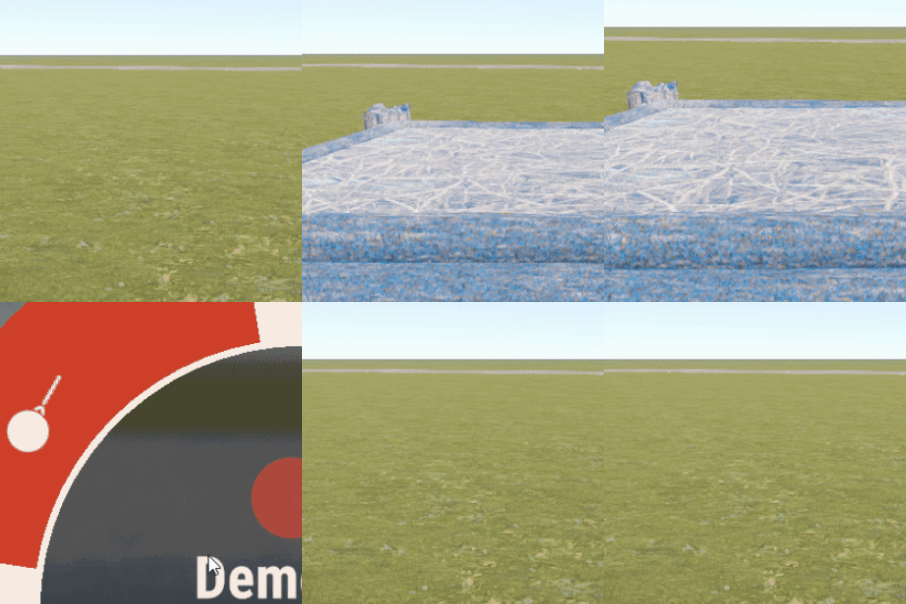
Partikel ON
maxgibs 1000 Partikel OFF
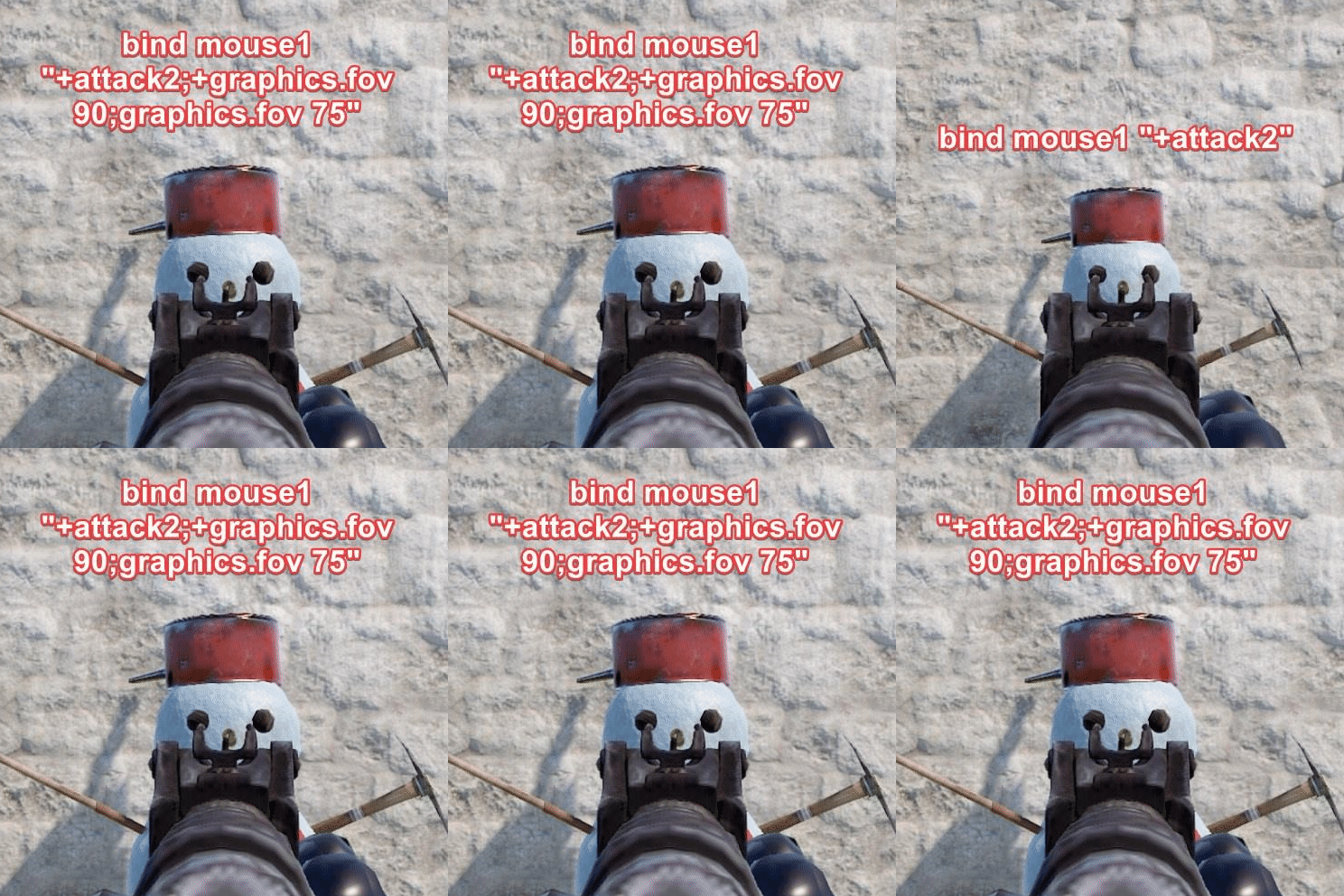
maxgibs -1 Free Aim Zoom
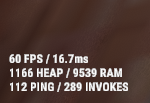
bind mouse1 "+attack2;+graphics.fov 90;graphics.fov 75" Show Netgrath
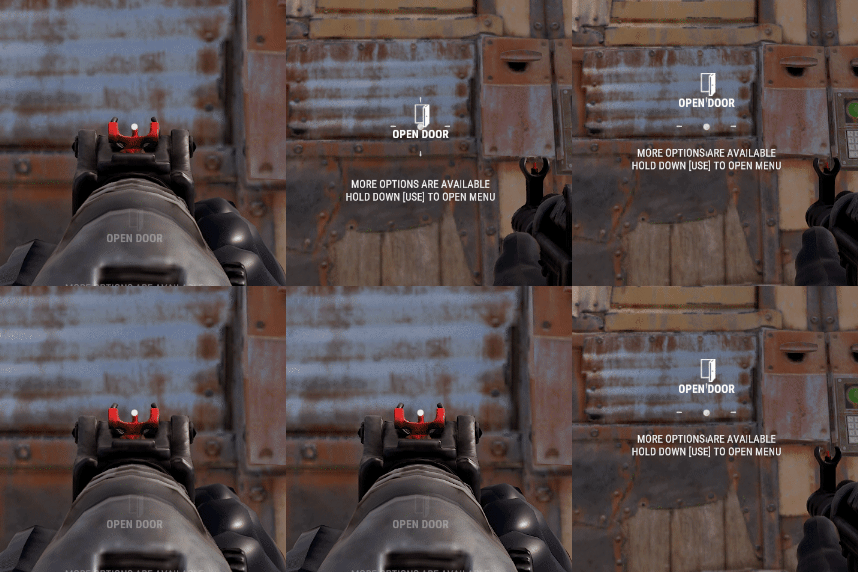
perf 5 hide the interact text while aiming a weapon
global.hideinteracttextwhileads True

Steam Startoption
Copy it into your start param:
Let me know you personal launch option in the comments pls
-window-mode exclusive -gc.buffer 4096
Explanation
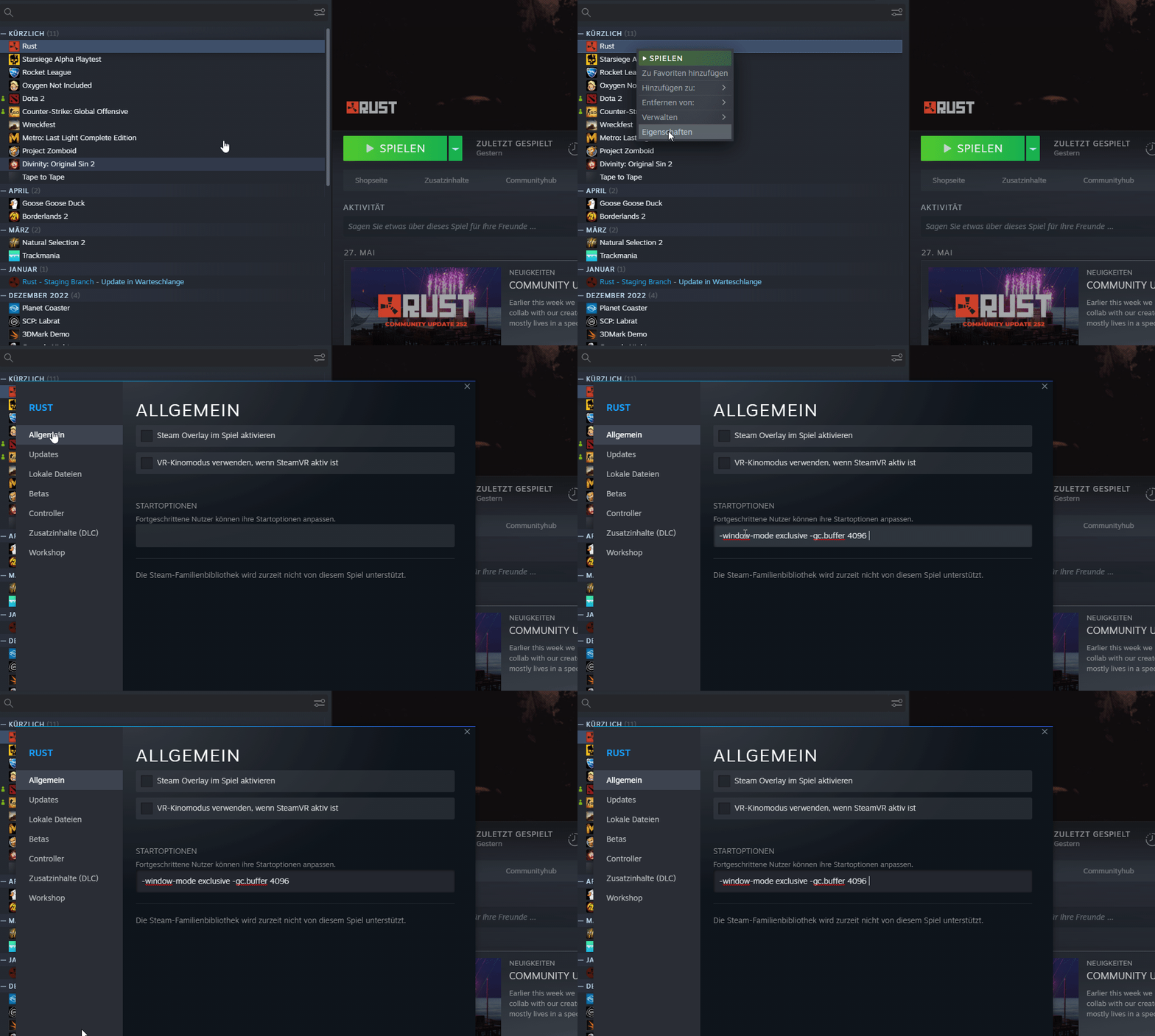
- -window-mode exclusiveStart the game to full mode
- -gc.buffer 4096 The start option "gc.buffer 4096" for the game Rust in Steam refers to the configuration of the game's garbage collector (GC). The garbage collector is a mechanism that monitors and releases memory areas that are no longer used in order to avoid memory leaks.
Steam Startoption Doku
[outdated]
- ** * Underwater View -**
See through the water bind z~graphics.setmipmapbias 15;graphics.setmipmapbias 0" - No Waves -
This command turns off the waves in the water so you can see swimming players easier graphics.waves 0 - ALL IN ONE BINDE -
you have to be press it every relog on a Server
bind F10 "physics.steps 60;graphics.waves 0;client.lookatradius 20;Lookatradius 0" - ** see through water -**
Water bug, lets you see through water YOU NEED TO DO WATER QUALITY on 2:
bind f3 meta.if_true "water.quality 2";+meta.if_false "water.quality -1" - All Skins to default -
graphics.itemskins false - ump Higher -
This Command allows you to jump higher
physics.steps 60 - ** jumping down traintunnels -**
play steps 60 by default (see „bind g“ command), use this for jumping down traintunnels:
Bind o steps 32 - no fish in the water -
Typ into console on after the other
environmentfishmanager.maxfishdistance 0environmentfishmanager.maxfishpertype 0
One more Thing
Rust-Collection[napoii.github.io] ** Rust-Collection[napoii.github.io] ** Rust-Collection[napoii.github.io] **
https://steamcommunity.com/sharedfiles/filedetails/?id=2856737562
https://steamcommunity.com/sharedfiles/filedetails/?id=2375732344
https://steamcommunity.com/sharedfiles/filedetails/?id=2967292367