Day One Fixes
SolvedHow-toUpdated
Crimson Desert Enhanced: [1.04] No More Blurry DLSS + Ray Reconstruction
Short answer
Found a temporary fix for DLSS 4.0 Quality looking extra blurry with Ray Reconstruction ! Still Works Update 1.04 Your game will look sharp and possibly as good as dlaa with ray reconstruction without the blurry mess, and the best part is, you wont need to modify any files to get it to work !
Steam Community guide by Fever 🔥.
Steps to follow
Step 1 - Enter Settings, turn on ray reconstruction and dlss 4.0 Quality (then apply ofc).
Step 2 - Switch DLSS 4.0 (Quality Resolution) to 4.5L (Quality Resolution), Apply.
Step 3 - Switch 4.5L (Quality Resolution) into 4.5L (DLAA Resolution), Apply.
Step 4 - Switch Back to DLSS 4.0 (Quality Resolution) and Apply.
Optional step 5- Switch to DLSS 4.0 (DLAA Resolution), apply and then back to 4.0 (Quality Resolution) for better results.
Note that you will have to do that everytime you relaunch the game !
Here's a video of the method with before & after: https://drive.google.com/file/d/1WCOQFcCGBgeWJ1cBXcj-63qFqZCY6Rgy/view?usp=sharing
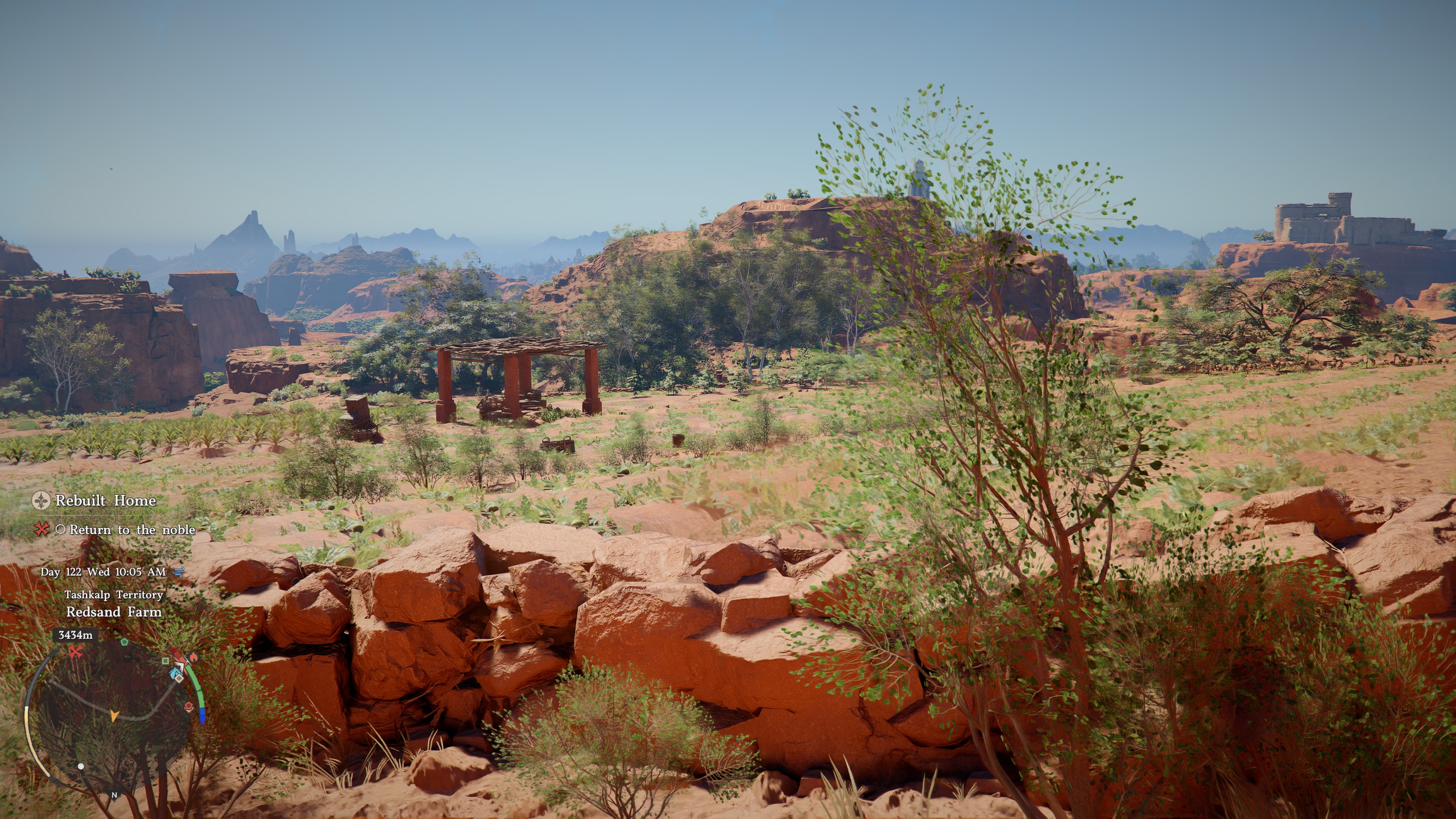
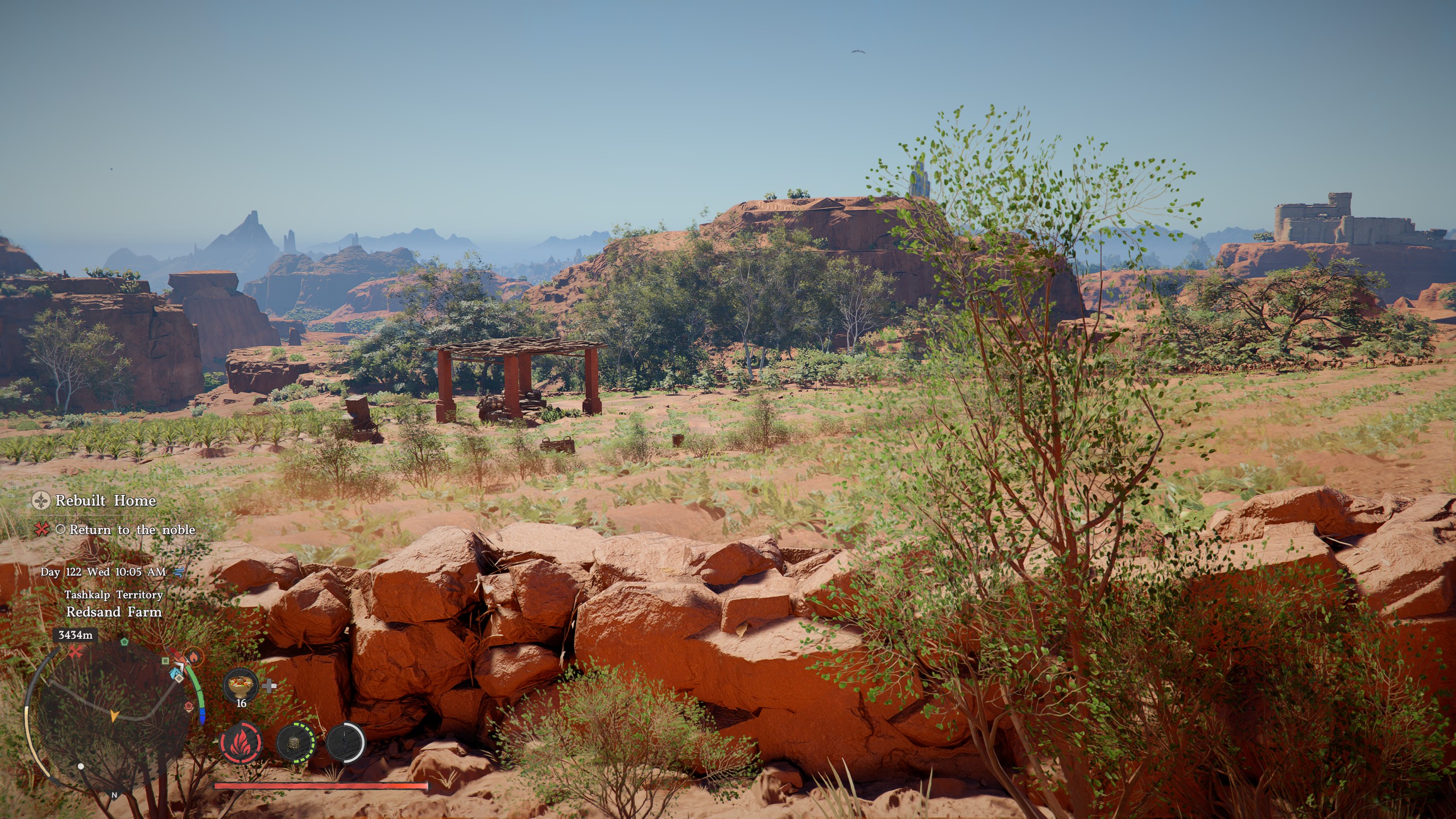
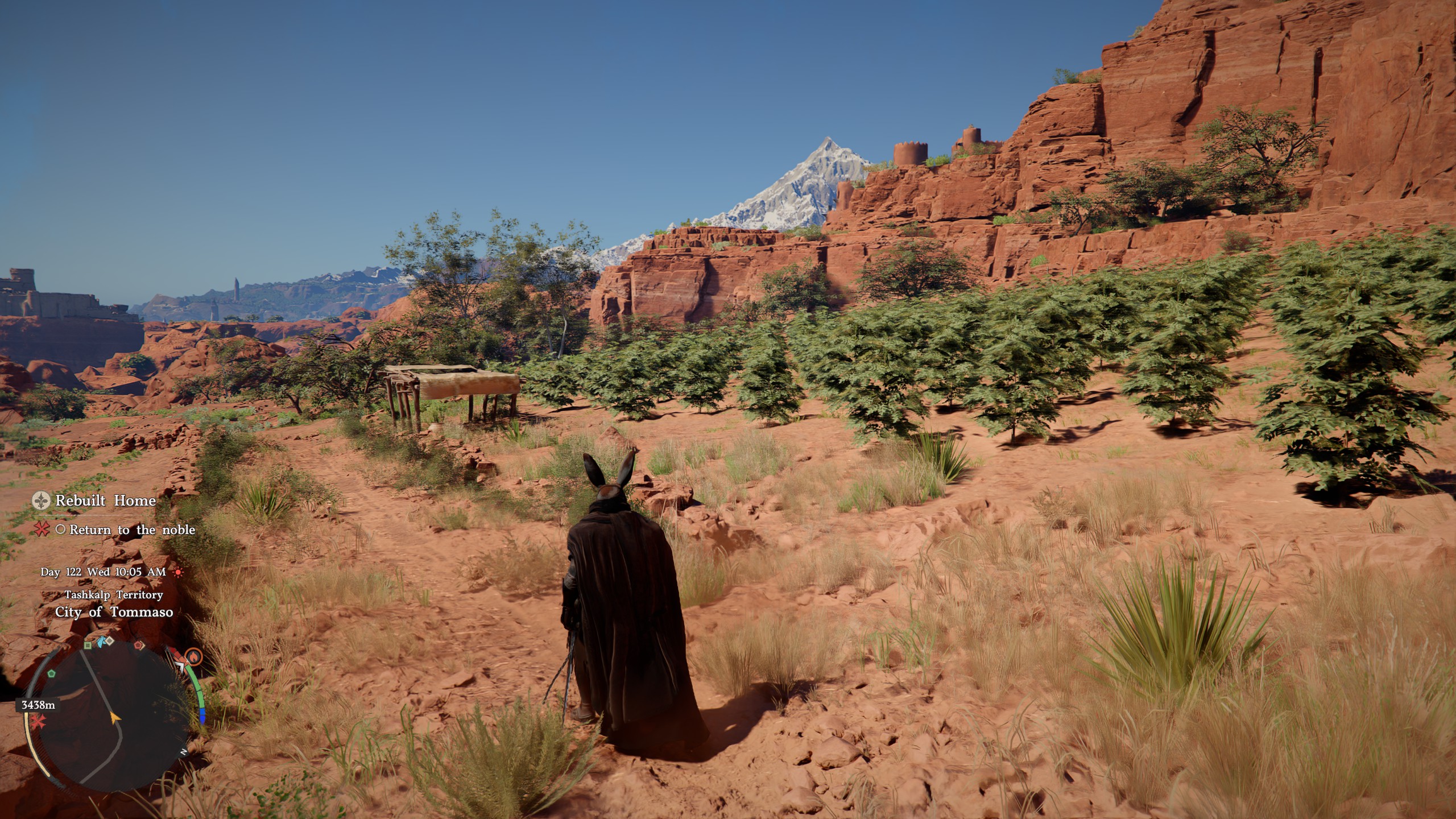
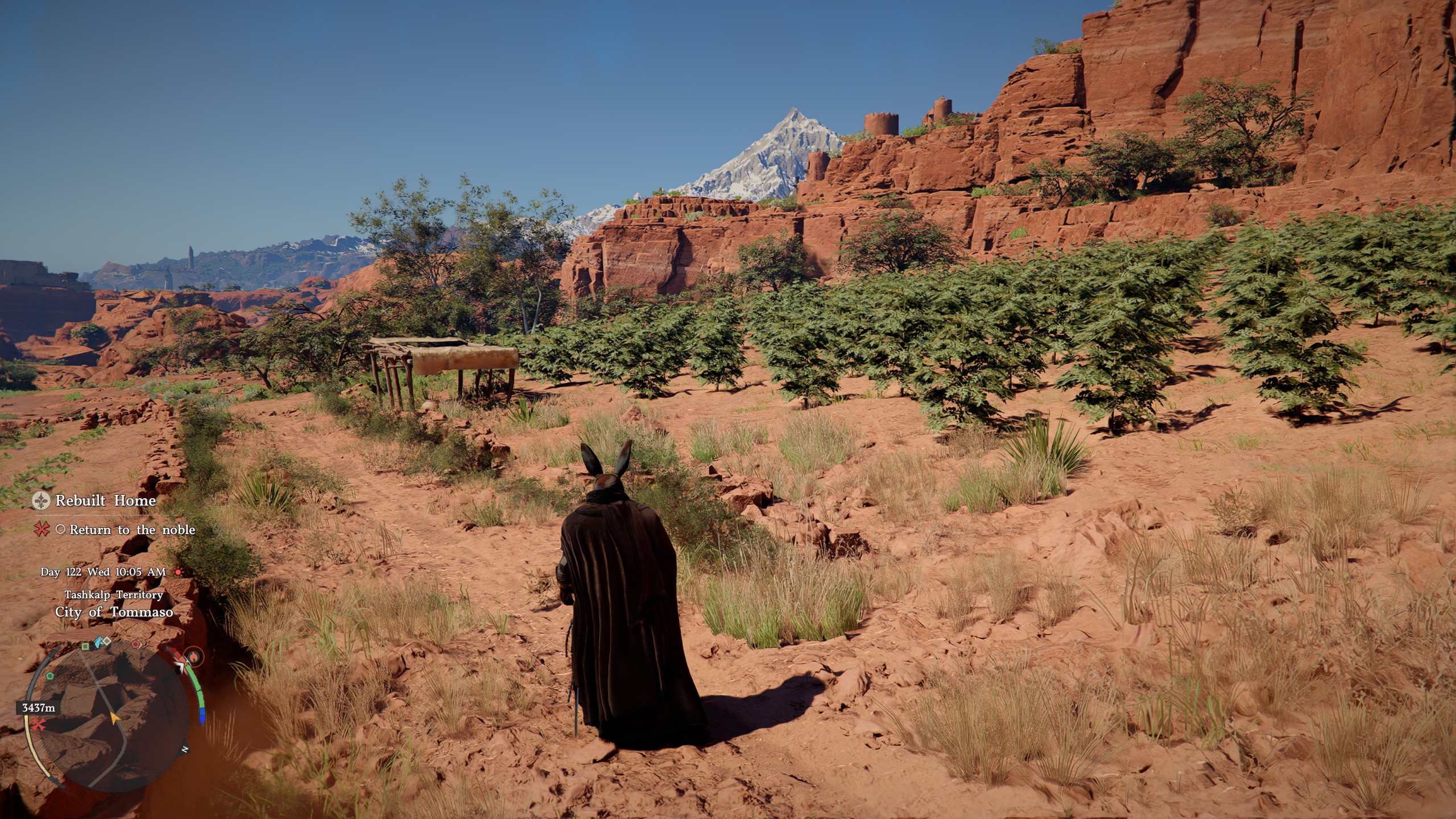
Here's screenshots of the before & after comparison:
(If shots show up as unavailable, try middle clicking them to open in new tab so u can zoom and compare)
Before:
After:
While Moving-
Before:
After: